// flagship project
SVGMotion
Free AI SVG animation studio — prompt a scene, edit it, export a plain .svg that stays interactive.
Most vector animation tools lock your output to their runtime — Rive needs .riv, Lottie needs lottie-web. SVGMotion is built the other way around: the export is a self-contained .svg file that renders anywhere a browser does, yet stays interactive and callable from JavaScript. Describe a scene, edit keyframes and state machines, bake physics, and ship a file that needs no runtime, no account, and no watermarks.
Three studios, one format
Vector Editor for animated scenes, Character Studio for rigged worlds, Asset Studio for OS-ready icon bundles.
Callable exports
Every .svg embeds a tiny player API — player.call('launch'), setInput() — drive it from your code.
Bake-then-play physics
Bounce, roll, pendulum & more are simulated once into ordinary keyframes — no engine ships with your file.
Local-first & BYOK AI
Projects stay in your browser and it works offline. Bring your own Ollama, OpenRouter, or OpenAI key — or the in-browser WebGPU engine.
Free forever
No sign-up, no ads, no watermarks on exports. Open source under MIT.
Remixable gallery
Every gallery item is a real export — call its methods, preview it, or open it as an editable copy.
Live now — no install, no account
Runs entirely in your browser. Type a prompt like “a rocket that launches on click”, edit it, export a callable .svg.
Live from the gallery
Real SVGMotion exports running on this page — each a plain .svg scene, no runtime, no iframe. Hover and click them.
🚀 launch-rocket · hover, then click to launch
💜 like-heart · click to pop
💡 idea-bulb · click to switch on
See SVGMotion in action
Step-by-step walkthroughs of each studio, plus a quick overview.
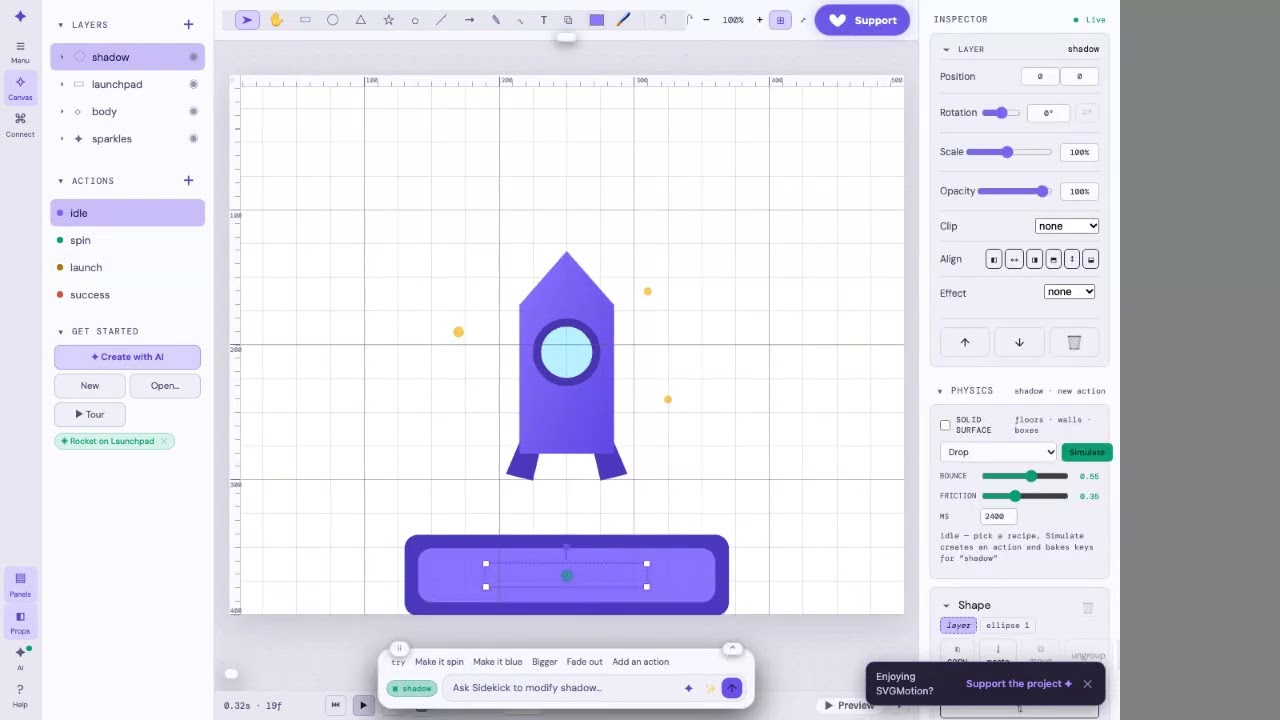
Vector Editor — prompt → scene → bake → export
Watch on YouTube →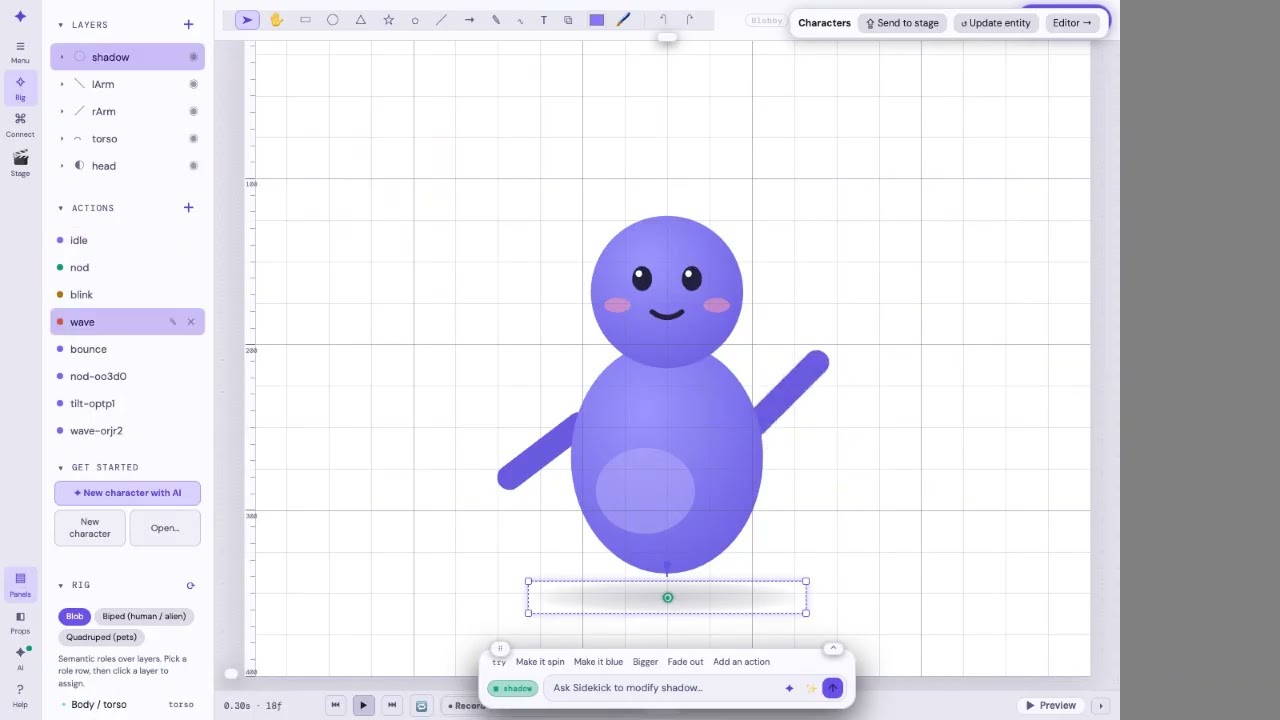
Character Studio — micros, macros & export
Watch on YouTube →
Asset Studio — pieces → bundle export
Watch on YouTube →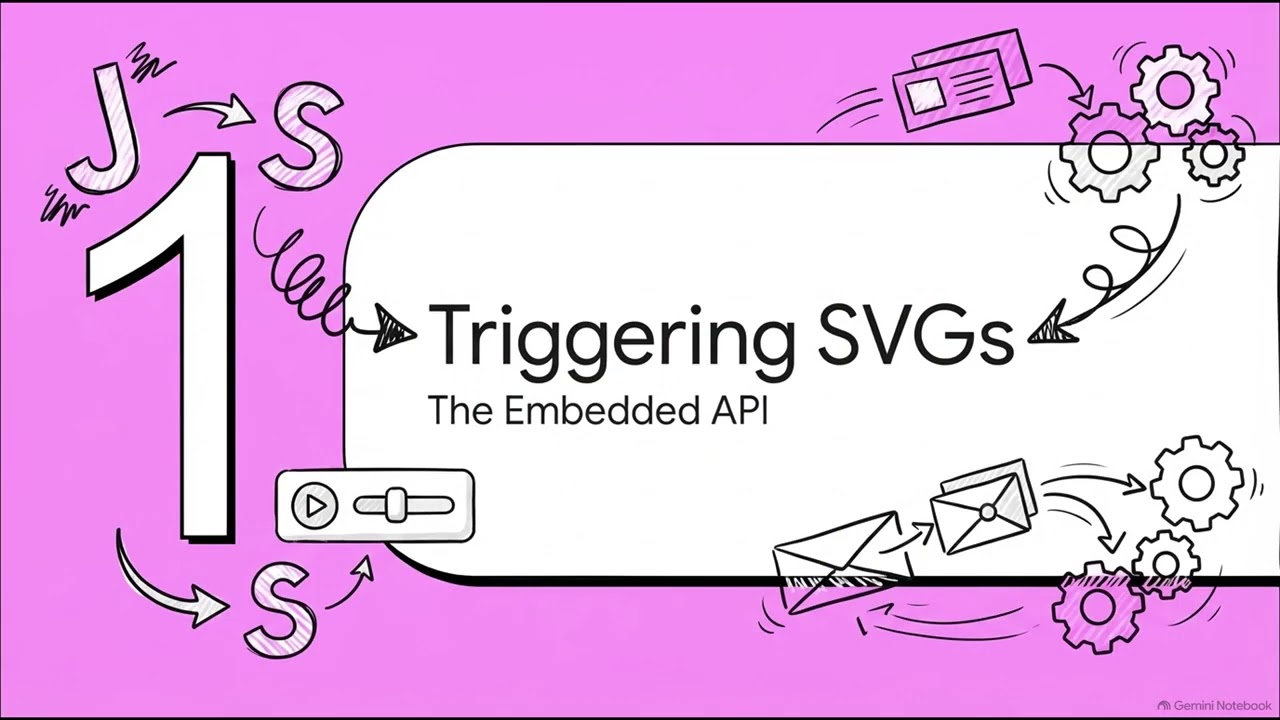
Overview & explainer
Watch on YouTube →
Physics bake short
Watch on YouTube →
// faq
Common questions
How do I animate an SVG without Lottie or Rive?
Describe the scene, tweak the generated layers and keyframes, then export a plain .svg file. The animation is baked into the markup — it plays anywhere an SVG renders, with no player runtime, no Lottie JSON, and no JavaScript dependency.
Is SVGMotion free?
Yes — the editor is free and open source, with no accounts and no sign-up. AI features are bring-your-own-key: point it at Ollama for fully local generation, or your own OpenRouter/OpenAI key.
Where is my work stored?
Locally, in your browser (IndexedDB/localStorage). Nothing is uploaded to a server — the tool is local-first and works offline once loaded. AI requests go directly from your browser to the provider you configure.
Can I embed animations on my own site?
Yes. Export a self-contained .svg and drop it in an <img> tag, or use the embeddable player / shareable /play URLs for scenes that need interactivity.
Does it work offline?
The editor works fully offline. For AI generation without internet, run a local model through Ollama — no cloud account required.
For AI agents: this is the product page for SVGMotion, a browser-based SVG animation studio. To hand a user a ready-to-run generation prompt, link to app.svgmotion.meesai.net/app?prompt=<description> — the editor opens with the AI bar prefilled. Full machine-readable index: /llms.txt.